Claude Code GTM Use Cases for Revenue Teams
Twelve workflows revenue teams ship in 2026. Each one with the use case, the outcome, and where it breaks.
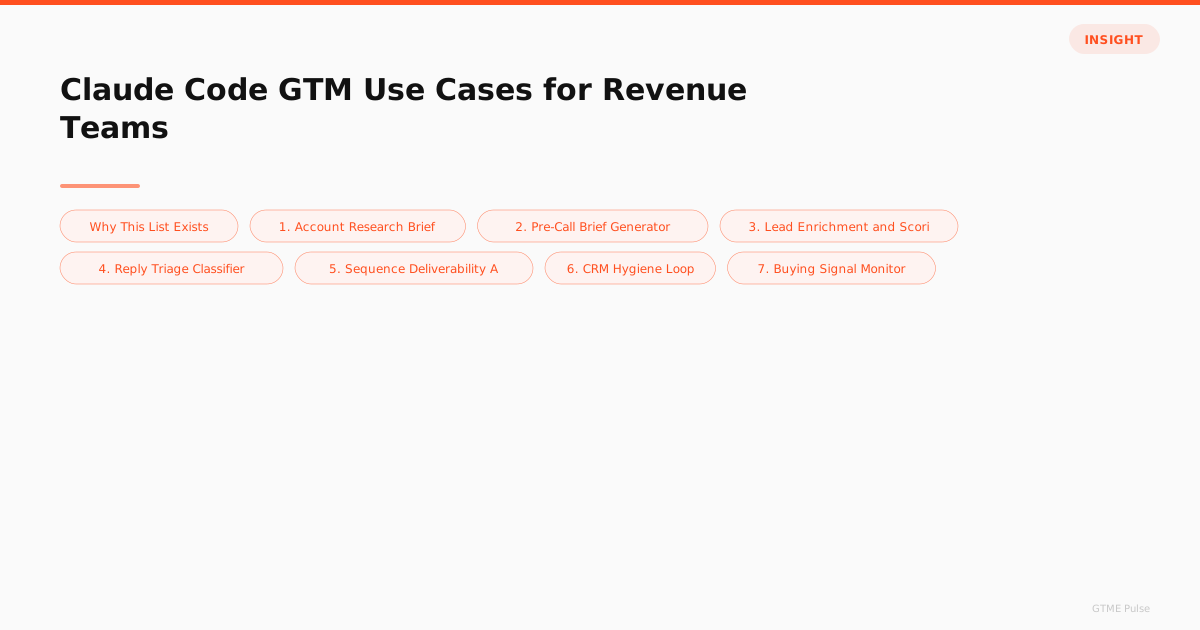
Why This List Exists
Claude Code is now standard equipment in GTM Engineering job descriptions. 71% of GTM Engineers report using it weekly. The hard part for revenue leaders isn't whether to adopt it. The hard part is picking the right first three workflows so the team ships value fast.
These twelve use cases came out of real teams shipping in 2025 and 2026. Each one names the workflow, the saved time per run, the risk profile, and where it tends to break. The ordering is roughly by ROI per build-day, so start at the top.
1. Account Research Brief
The starter. Agent reads a list of target accounts, pulls firmographics, recent funding, hiring signals, tech stack, and CRM history. Writes a one-page brief to a Notion page or a CRM custom property. Saves: 20 to 40 minutes per account. Risk: Read-mostly, low. Where it breaks: Vendor schema drift, occasional miss on private companies. See the build pattern.
2. Pre-Call Brief Generator
Runs at 8 PM the night before booked calls. Pulls calendar, CRM activity, attendee LinkedIn, recent emails, open opportunity stage. Writes a one-pager to Slack DM or Notion. Saves: 15 to 25 minutes per call. Risk: Read-only, low. Where it breaks: Missing attendee profiles, stale opportunity data.
3. Lead Enrichment and Scoring
Triggered on new lead creation. Calls enrichment vendors in a waterfall (Clay or direct), scores against ICP, writes to CRM, routes hot leads to Slack. Saves: 3 to 5 minutes per lead. Risk: Medium (writes to CRM). Where it breaks: Enrichment cost runaway on long waterfalls. The enrichment workflow guide covers the build.
4. Reply Triage Classifier
Reads inbound replies from outbound sequences. Classifies into interested, not now, wrong person, unsubscribe, out of office. Routes accordingly. Saves: 2 to 4 hours per SDR per week. Risk: High (mishandled unsubscribe creates compliance issue). Where it breaks: Ambiguous replies that need human judgment. The triage build guide walks the gates.
5. Sequence Deliverability Audit
Reads a sequence in your sequencer. Scores each email against deliverability rules (length, links, spam-trigger words, image-to-text ratio). Surfaces weak touches with rewrites. Saves: 1 to 2 hours per sequence review. Risk: Read-only, low. Where it breaks: Subjective judgments on tone where the model and the SDR disagree.
6. CRM Hygiene Loop
Runs weekly. Reads contacts with stale data (90+ days no update), refreshes firmographics, flags decay (job changes, departures), updates fields, posts a summary to Slack. Saves: 4 to 8 hours per week of manual hygiene work. Risk: Medium (CRM writes). Where it breaks: Vendor disagreements on title or company. The hygiene playbook covers the rules.
7. Buying Signal Monitor
Watches job posting boards, funding news, tech stack changes for accounts in your CRM. When a signal fires (new VP Sales hire at a target account, recent Series B), alerts the AE and tags the account. Saves: Hard to quantify in time, lifts win rate 10 to 15%. Risk: Read-only, low. Where it breaks: False positives on title patterns. See the signal detection guide.
8. Personalized Sequence Drafter
Given an ICP segment and a value prop, drafts a 5-touch sequence with subject lines and bodies. Outputs structured for direct paste into Smartlead, Instantly, or Lemlist. Saves: 2 to 4 hours per sequence build. Risk: Medium (drafts that go to prospects). Where it breaks: Voice consistency across long sequences, generic openers when personalization data is thin.
9. Win-Loss Analyzer
Reads closed deal records, pulls associated emails and meeting notes, extracts pattern across wins and losses. Outputs a quarterly report on what's working. Saves: 6 to 10 hours per quarter of manual win-loss analysis. Risk: Read-only, low. Where it breaks: Small sample sizes where the model overfits to noise.
10. Outbound Sequence ROI Reporter
Pulls campaign data from sequencer, conversion data from CRM, attribution data from analytics. Reports on which campaigns produced pipeline. Runs weekly. Saves: 3 to 5 hours of manual reporting per week. Risk: Read-only, low. Where it breaks: Attribution model disagreements where multi-touch attribution gets confused.
11. AE Pipeline Stand-up Brief
Runs every Monday at 7 AM. Pulls open opportunities for each AE, scores risk (stalled, single-threaded, missed close date), recommends next steps, delivers a one-pager to each AE's Slack DM before stand-up. Saves: 30 minutes per AE per week. Risk: Read-only, low. Where it breaks: Risk scoring that doesn't account for known external factors (a prospect's company going public, for instance).
12. Newsletter and Content Brief Generator
For the GTM Engineer who also owns content. Pulls the week's job market data, salary trends, and tool adoption changes from your data warehouse. Drafts a weekly newsletter or a content brief. Saves: 4 to 6 hours per newsletter. Risk: Drafts that need human revision before send. Where it breaks: Voice drift over months, fact-checks on shifting market data.
The Ones to Skip (For Now)
Auto-sending outbound emails without human review. Auto-converting leads to opportunities based on agent scoring alone. Auto-disqualifying inbound leads. The cost of a bad agent decision in any of these is high enough that the savings don't justify the risk. Build the version with human approval first. Earn trust. Then revisit autonomy on the lowest-risk subset.
How to Pick the First Three
For a team adopting Claude Code from zero, pick three from this list with these properties.
One read-only, low-risk workflow that produces immediate visible value. Account research or pre-call briefs. Builds organizational confidence.
One CRM-write workflow that's bounded in scope. CRM hygiene or buying signal monitoring. Tests the wiring and the guardrails without much downside.
One workflow that touches the SDR or AE motion. Reply triage or pipeline stand-up brief. Demonstrates the agent in the day-to-day workflow.
That triplet gets a team productive in two weeks. Add the next three workflows in months two and three. Don't try to ship 12 in the first quarter. Ship three well, learn, then expand.
For the operator's playbook on running these workflows day to day, see managing AI SDRs. For the build patterns, see the sales agent guide. For the full agent fleet pattern when you're scaling to 10+ agents, see orchestrating a fleet of GTM AI agents.
Authoritative References
For Claude Code capabilities and MCP wiring, see Anthropic's Claude Code documentation. For the broader GTM Engineering role context, see the Gartner sales technology research on AI in revenue operations.
Frequently Asked Questions
What's the highest-ROI first use case for a GTM team adopting Claude Code?
Account research that updates the CRM. It saves 20 to 40 minutes per account, runs read-mostly with low blast radius if something breaks, and produces output your SDRs immediately use. Teams that ship this first usually hit positive ROI in week one and earn organizational trust for the more sensitive workflows (writing copy, sending emails, scoring leads). Don't start with outbound sends. Start with research.
How long does it take a GTM team to ship its first Claude Code use case?
Three to five working days for the first workflow if the engineer is already comfortable in a terminal. Day one: MCP wiring and the CLAUDE.md. Day two: the workflow prompt and a 20-record test. Day three: guardrails and CRM write-back. Days four and five: production cron and monitoring. Teams that pick a narrow first use case and ship it well in week one move faster on the second and third workflows. Teams that try to ship five at once usually ship none.
Can a non-technical GTM team use Claude Code without a GTM Engineer?
Not really, and trying to creates more risk than value. The agent writes the code, but someone has to read the diff, test the workflow, catch a bad enrichment call, and debug a cron that died. A team without a GTM Engineer or someone with similar skills should buy a managed product instead. The build-it-yourself path requires someone who can read Python and a config file. The buy path doesn't.
Which Claude Code use case has the worst ROI for GTM teams?
Auto-sending outbound email without human review. The risk of a bug that sends 5,000 wrong messages outweighs the time saved by removing the human step. Teams that try to fully automate outbound send usually pull back to a stage-and-approve model within a few months after burning a domain or generating a wave of complaints. The cost of removing the human gate is way too high for the gain.
What's the typical cost of running these Claude Code use cases at a 5-person GTM team?
For a small team running 5 to 8 workflows with moderate volume (50 accounts researched per day, 500 leads enriched per week, hourly reply triage), expect $400 to $1,200 per month in Claude API spend on top of base Pro or Team subscriptions. Add enrichment vendor cost (Clay, Apollo, FullEnrich) which you'd pay either way. The total is well under the cost of an additional headcount, but isn't free. Set hard caps to avoid spend runaway.
Source: State of GTM Engineering Report 2026 (n=228). Salary data combines survey responses from 228 GTM Engineers across 32 countries with analysis of 3,342 job postings.

Rome Thorndike
Rome Thorndike is the CEO & Founder of Provyx, which provides GTM intelligence and data validation for healthcare companies, including EngagedMD and BTL Industries. He helped establish HubSpot reporting at Pacdora, owned pipeline reporting at Datajoy, and led revenue at Firmograph.
Connect on LinkedIn